

Introduction
Engaging an audience during a live streaming event can be a real challenge. This is why forward-thinking musicians and artists are opting for multi-camera live streaming. Instead of showing the viewers the same angle throughout the entire show, letting them experience the event from different points of view can increase engagement and retain attention. In this article, you’ll find a comprehensive guide on everything you need to know before investing in a multi-camera live streaming setup. We’ll also help you choose the right equipment and select an efficient platform, as well as teach you how to stream with multiple cameras to maximize engagement.

What is Multi-Camera Live Streaming?
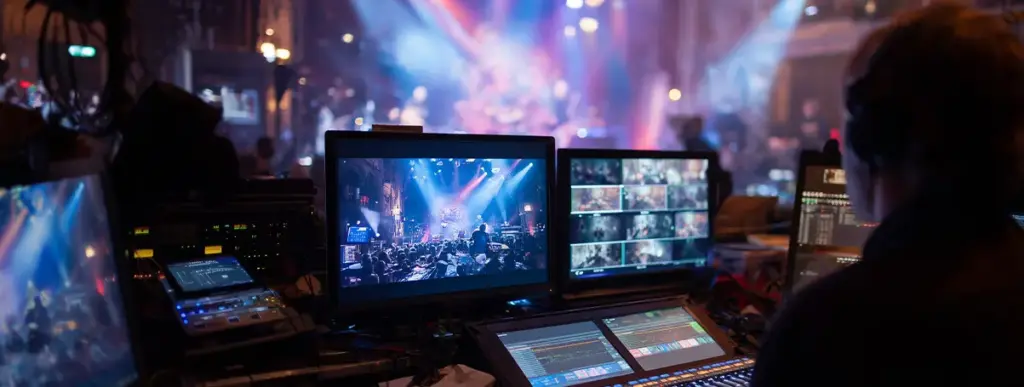
Multi-camera live streaming uses multiple cameras to stream a live event from different angles. This streaming method allows users to switch between shots in real time. For example, with multi-camera streaming, the audience members can choose between close-ups of musicians, wide shots of the crowd, and detailed instrument views during live music events.
Benefits of Using A Multi-Camera Setup in Live Streams
- Increases audience engagement
A single-camera live stream might seem flat — no matter how amazing your musical skills are, watching something from the same angle for an hour can be tiring. Switching between angles using a multi-camera setup gives people a choice of where to direct their attention.
- Highlights different performers or instruments
Unlike during a real-life live performance, where the lead singer or musician is in the center of attention, it’s possible to showcase the skill of specific musicians in detail by placing a camera in front of them. Thanks to multi-camera live streaming, those who want a more realistic viewing experience might choose a wide-angle shot of the stage, while those interested in the particular technical and artistic choices can enjoy instrument close-ups.
- Enables cinematic transitions and story-driven presentations
Multi-camera live streaming can enhance the narrative of the live performance or song. Just imagine — there’s a break between songs. The entire concert hall goes quiet, but then, a change of the camera angle brings to our attention a gentle sound of a harp that we wouldn’t have noticed otherwise. Without a multi-camera setup and a strategically planned focus on the instrument, the dramatic effect wouldn’t be as strong.
How to Set Up a Multi-Camera Live Stream for Musical Acts: A Step-by-Step Guide
To build the ideal multi-camera live streaming setup, you need to choose appropriate gear and connection type, and tailor camera positions to the music genre and venue.
Step 1: Choose Your Cameras Based on the Event
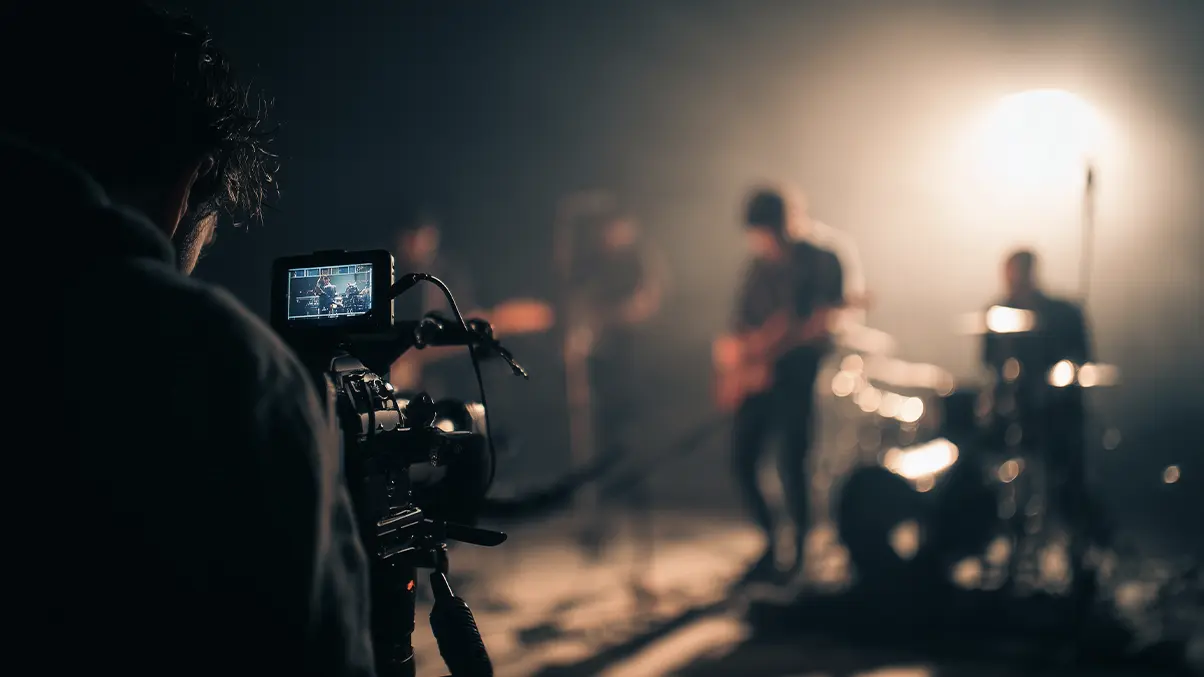
- Acoustic sets: Use 2–3 fixed DSLRs for clean, intimate framing.
- Electronic/club shows: Use 1 roaming camera + 2 wides for energy and movement.
- Arena concerts: Use a complex mix — crane, handheld, and crowd cams.
Step 2: Stabilize Every Camera
Mount each camera on a tripod, gimbal, or wall mount, depending on mobility needs and venue space.
Step 3: Connect Your Cameras (HDMI or Wireless)
- HDMI: Best for small venues — stable and high-quality.
- Wireless: Great for large stages — more flexible, but watch for signal interference.
Step 4: Capture and Sync Audio
Use reliable audio inputs (e.g., XLR mics or mixers) and sync them directly with video feeds to avoid lag or drift.
Step 5: Select Your Multi-Camera Live Streaming Software
- Beginner: OBS Studio (free and flexible)
- Pro: vMix or Livestream Studio (advanced features for broadcast quality)
Step 6: Plan Your Camera Angles
For a three-camera setup:
- Camera 1: Wide shot of the full live band
- Camera 2: Close-up on the lead performer
- Camera 3: Focused on specific musicians
Step 7: Manage and Switch Feeds Live
Use your chosen multi-camera streaming software to switch between angles in real-time, add graphics, and live stream the visuals on the platform of your choice.
How to Start Multi-Camera Streaming on Different Platforms
Step 1: Set Up Your Multi-Camera Streaming Software
- Add each camera as a source in your multi-camera software (e.g., OBS, vMix).
- Configure scene transitions, sync audio, and test stream quality (aim for 1080p or higher).
- Ensure your internet bandwidth can support live streaming via multiple cameras.
Step 2: Integrate with Your Live Streaming Platform
- For Zoom: Use OBS Virtual Camera to send your multi-camera streaming feed into Zoom meetings or webinars.
- For platforms like YouTube, Facebook, or Twitch: Use each platform’s RTMP stream key to connect.
- Use tools like StreamYard or Restream to broadcast to multiple platforms at once.
Step 3: Promote Your Live Stream
- Share short teaser clips.
- Show behind-the-scenes content of your multi-camera live streaming setup.
- Schedule your stream early, using countdowns, event pages, and branded promo graphics.
Monetizing Your Multi-Camera Music Streams in 2025
Artists and labels monetize multi-camera music streams through tickets, memberships, and brand sponsorships. For example, you can offer premium angles to those who buy tickets at a higher price point or subscribe to you on the live streaming platform. You can also integrate links to your merch store directly into the live stream. In addition, you can do paid promotions during the stream by shouting out brands or displaying sponsored products in the shot.
Conclusion
Multi-camera live streaming is key to an engaging performance. In the age when our attention is constantly fought for by flashy imagery and loud sounds, sitting through a live stream completely undistracted might be a challenging task. One way to make any virtual live performance feel more immersive is by allowing the viewers to switch between different points of view.
It doesn’t matter if you don’t have a large agency backing you up. Your multi-camera live streaming setup doesn’t need to be complex to be effective. Just with a couple of different angles, you can add depth to your live performance. From telling a story through strategic camera angle switches to letting music enthusiasts geek out over your musical talent from up close, there are unlimited ways in which a live multi-camera video solution can enrich the experience of your audience.
FAQ
What is multi-camera live streaming?
Multi-camera live streaming is just like regular live streaming but involves multiple cameras. Using a multi-camera setup allows you to capture an event from different angles and then stream it on a dedicated platform. Your viewers will be able to switch between points of view during the performance, making the viewing experience more engaging.
Which cameras are the best for multi-camera live streaming?
You’ll need at least two cameras for multi-camera live streaming. The best camera options recommended by professional producers and directors are digital single-lens reflex cameras, camcorders, or pan-tilt-zoom (PTZ) cameras. It’s considered a minimal requirement to have 4K cameras that are capable of 60 frames per second capture.
How can I earn money through multi-camera live streaming?
Just like with any other kind of live event streaming, you can earn revenue by selling tickets, promoting your merchandise, and doing paid sponsorships with interested brands.
